[Free Scan] Web Accessibility Checker: WCAG and ADA Compliance2026-07-09T13:36:45+00:00
WCAG · ADA · SECTION 508

Get your free accessibility scan in seconds.

Instantly identify accessibility issues on any URL and see exactly what it takes to bring your site into WCAG, ADA, and Section 508 compliance.

Scan Solve Stay compliant
Trusted for compliance
ANAB IAF ISO 9001 ADA WCAG 2.2
Is your website accessible?

Check your website in three simple steps.

  1. 01

    Enter your website URL.

    Drop your URL into the search box to start your accessibility scan. No signup, no credit card.

  2. 02

    Get instant results.

    In seconds, we analyze your site and highlight every accessibility issue and barrier categorized and prioritized.

  3. 03 The payoff

    Download your free report.

    Receive your comprehensive accessibility report straight to your inbox share it, action it, file it.

    Get your report
Why accessibility matters

Good for users. Great for business.

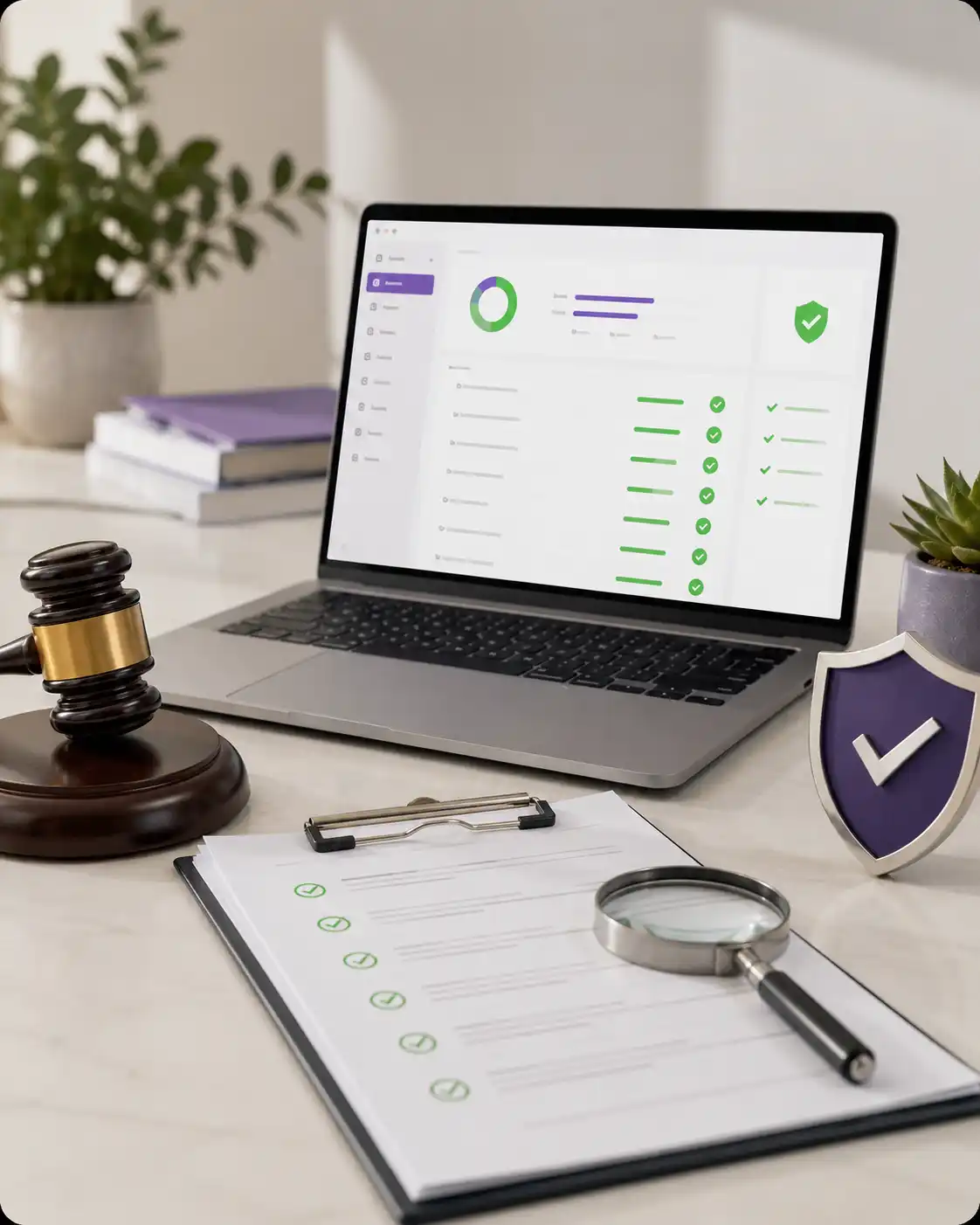
Legal compliance review illustration
ADA Lawsuits filed
4,605
U.S. web accessibility cases · most recent year
Settlement risk
Demand letter Settled Litigated
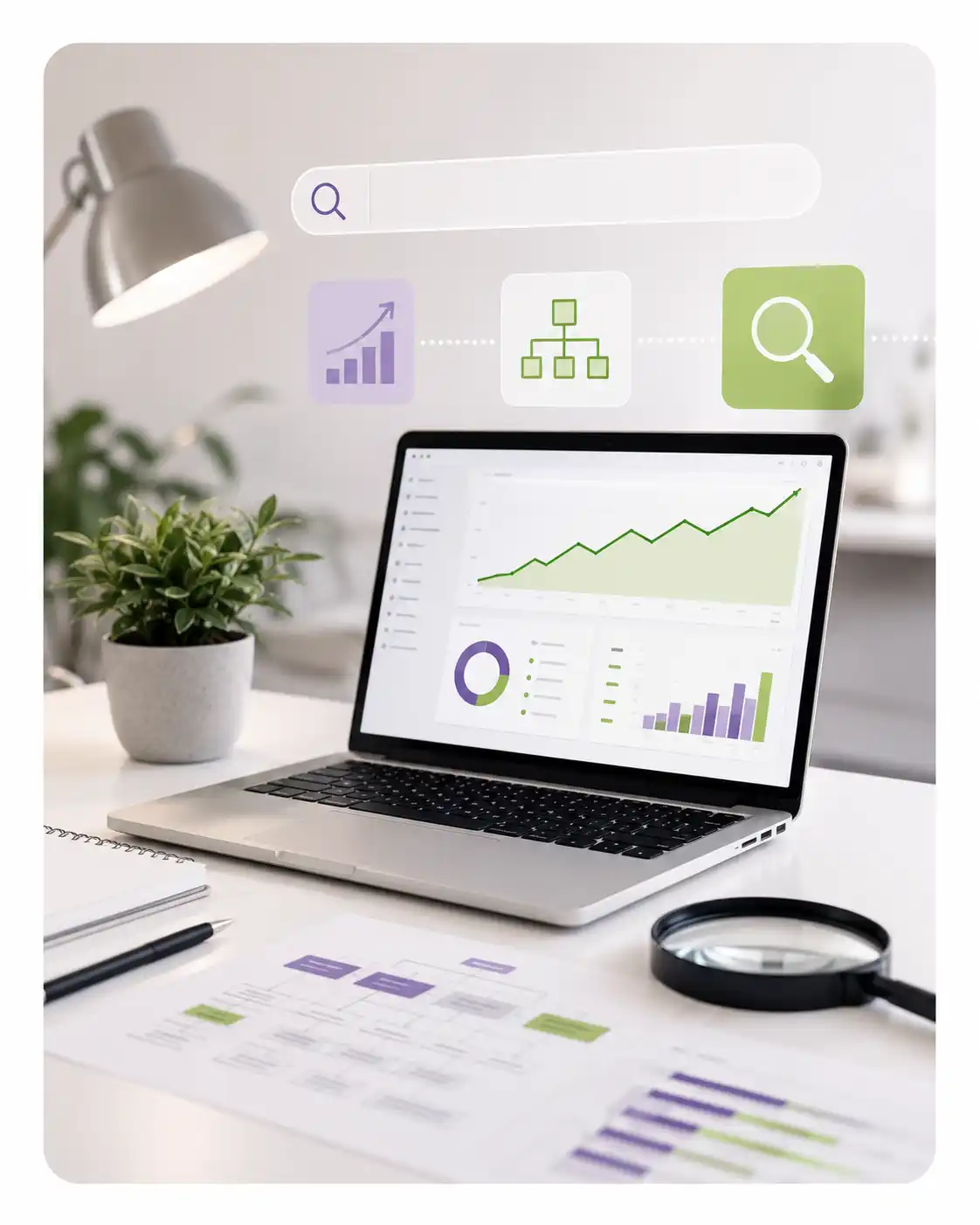
SEO performance dashboard illustration
SEO uplift after fixes
+38%
Median organic traffic gain · clients tracked 90 days
Crawl & index health
Before remediation → after · 9-week window
Accessible user experience illustration
Top issues we fix
Most common findings
IssueWCAG
Low color contrastAA
Missing alt textA
Form fields without labelsA
Heading hierarchy skippedAA
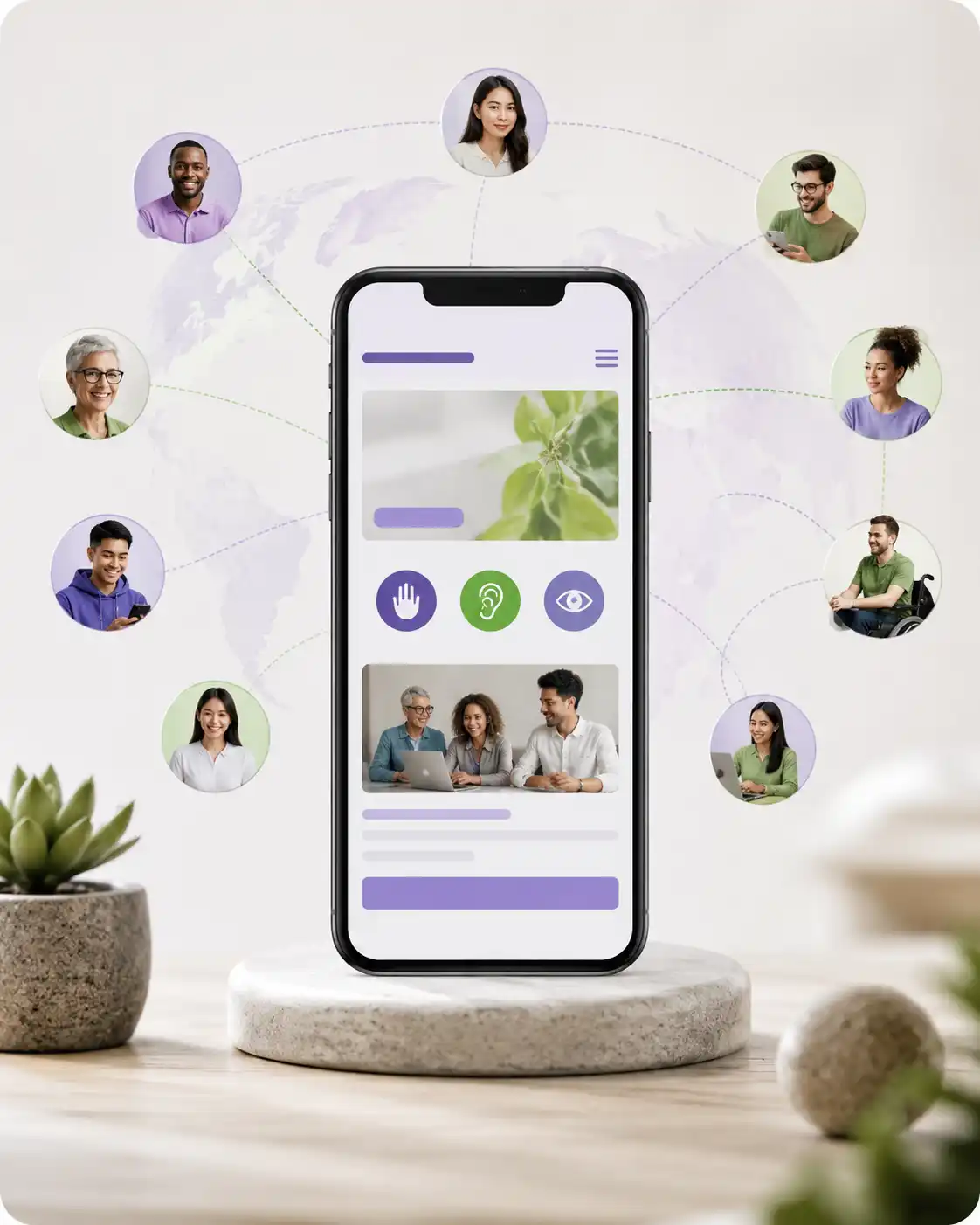
Inclusive audience reach illustration
U.S. adults with a disability
1 in 4
~ 70 million people · CDC Disability & Health Data System
Audience expansion
+25%
Reach after WCAG remediation
Frequently Asked Questions

Everything You Need to Know

A VPAT is the blank evaluation form used to measure accessibility, while an ACR is the final, completed report containing the actual audit results. Think of the VPAT as the blank questionnaire and the ACR as the official document you hand to corporate and government procurement officers to prove compliance.

  • The Template (VPAT): A blank document framework provided by the Information Technology Industry Council (ITI).
  • The Final Report (ACR): The completed document that details exactly how well your software or website aligns with WCAG and Section 508.
  • The Tranistics Role: We evaluate your product and fill out the appropriate VPAT version to generate your authoritative ACR.
These certifications offer independent, verified proof that your accessibility testing is handled by qualified specialists rather than automated guesswork. They provide the exact legal and technical assurance that US procurement officers look for when purchasing enterprise software or educational content.

  • Trusted Tester Status: A strict manual testing method designed by the US Department of Homeland Security for federal contracting.
  • Benetech Validation: The definitive global standard proving that digital documents, PDFs, and files are built accessibly from day one.
  • The Business Benefit: Partnering with a certified specialist like Tranistics ensures your platform passes institutional reviews without costly delays.
The most reliable way to check compliance is to pair rapid automated scanning software with manual reviews conducted by real accessibility experts. While automated checkers catch quick source-code errors, human testers ensure the site actually works for people using assistive hardware.

  • Immediate Diagnostics: Use the Tranistics Accessibility Checker Tool to instantly flag missing image text, empty labels, and poor color contrast.
  • Expert Manual Audits: Certified engineers navigate your site using keyboard-only controls and screen readers like NVDA or JAWS.
  • Compliance Documentation: We compile these findings into a detailed report to serve as your organization’s legal proof of compliance.
Section 508 requires federal agencies, public universities, and organizations receiving federal funding to make their information and communication technology fully accessible. This legal mandate applies to public websites, mobile apps, internal portal software, and digital documentation.

  • The Core Standard: It incorporates international WCAG Level AA guidelines directly into federal procurement requirements.
  • Organizations Affected: Government departments, public school systems, higher education institutions, and private IT contractors selling to public bodies.
  • The Operational Risk: Missing these standards can lead to lost government contract eligibility, pulled funding, and costly civil litigation.
No, automated software tools cannot fix every violation because they lack human judgment and cannot understand visual context or logical user flows. Algorithms are excellent for continuous monitoring, but thorough manual testing is required to guarantee true usability and legal safety.

  • What Automation Catches: Structural code errors, broken layout syntax, missing form tags, and clear color contrast math.
  • What Requires Humans: Assessing if text descriptions match visual meaning, testing screen reader logic, and checking interactive form flows.
  • The Optimal Setup: Pair the Tranistics automated tool for daily tracking with our manual engineering audits for full legal coverage.
US colleges and universities are legally required to make all student-facing portals, public web domains, software applications, and course materials accessible. Under Title II of the ADA and Section 504, educational equity applies to the virtual classroom just as much as the physical campus.

  • Websites & Portals: Class registration networks, public admissions pages, and student financial dashboards.
  • Classroom Media: Online lectures and virtual course videos must feature accurate closed captioning and full transcripts.
  • Documents & Files: Homework sheets, syllabi, and digital textbooks must be formatted as fully readable PDFs or EPUB layouts.
The cost of a digital accessibility service depends entirely on the size of your platform, the complexity of its features, and the specific reporting documentation your business needs. Every project is customized around your unique code architecture, internal goals, and timeline parameters.

  • Scope Variables: Pricing scales based on the total number of unique page layouts, integrated third-party systems, and interactive dashboards.
  • Efficiency Gains: Using the Tranistics Accessibility Checker Tool lowers auditing fees by cleaning up simple code errors before engineering reviews begin.
  • Long-Term Value: Investing in a professional audit provides a clear code remediation roadmap, protecting your brand from future litigation costs.
An audit and final report typically take between one and three weeks, depending on how large and complex your software application is. This standard timeline accounts for automated testing, intensive manual script analysis, and report generation.

  • Project Mapping: Defining the specific user journeys, dashboards, and key pages that require auditing.
  • Rigorous Testing: Deploying certified engineers to evaluate your platform against federal Section 508 guidelines.
  • Final Delivery: Providing a polished, legally structured ACR that your sales team can immediately give to prospective buyers.
Go to Top